What is an Outstanding Issues Log?
An Outstanding Issues Log (OIL) is a single running list of every unresolved item from a recurring meeting: actions, decisions, risks, and blockers. Each item carries a type, an owner, a status, and an age, and the list carries forward from one meeting to the next, so the same work is never rediscovered or re-litigated.
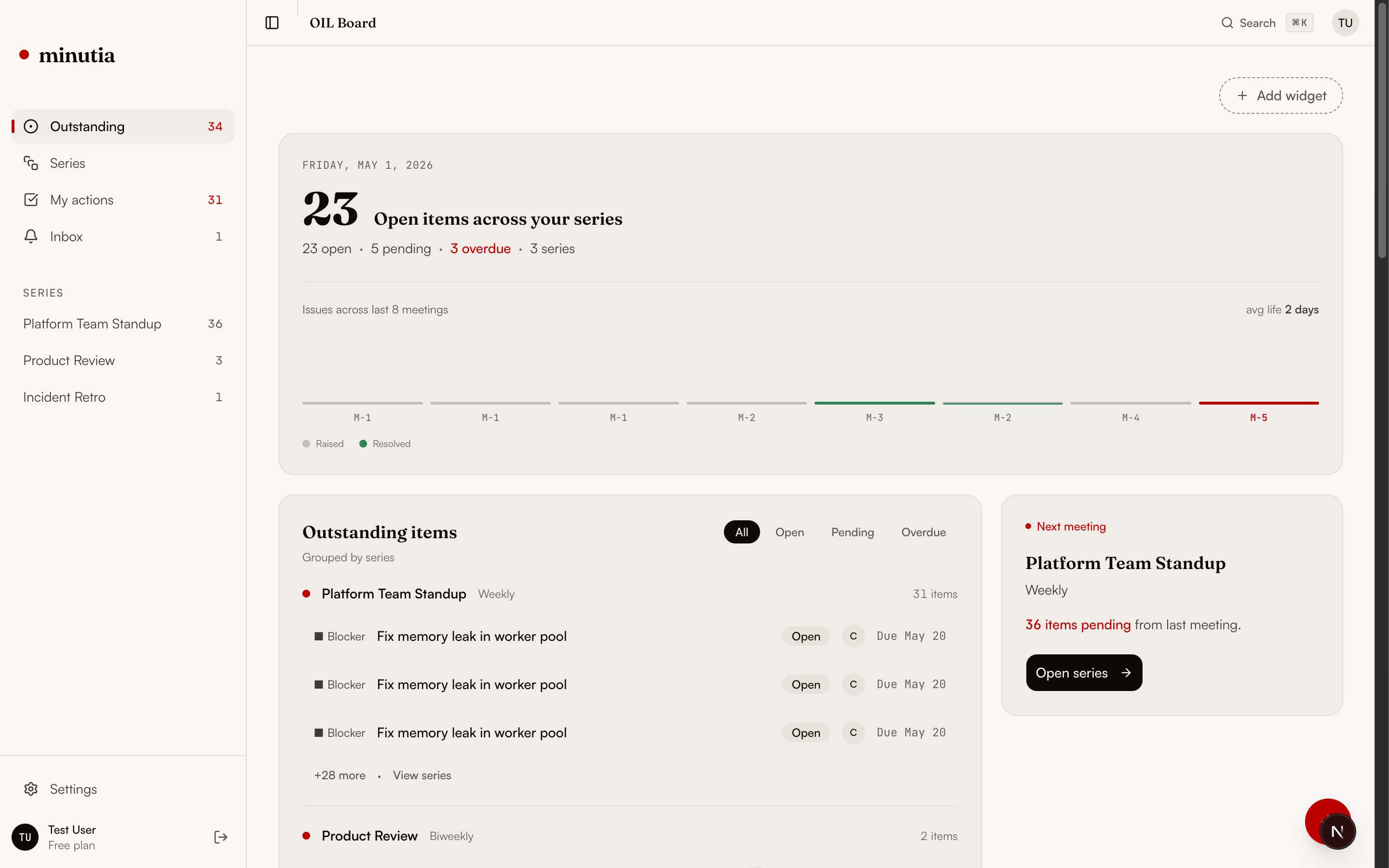
Six fields per item.
An OIL is not a wall of text. Every unresolved item is one row with the fields that let you act on it: what it is, who owns it, where it stands, and how long it has waited.
Unresolved work as state.
The reason an OIL beats notes and lists is simple: it treats follow-through as state that persists, not a record that resets. Age makes stalled items impossible to ignore, and carry-forward means every meeting opens from current truth.
An OIL is its own artifact.
It overlaps with notes, task managers, and to-do lists, but it does a different job: keeping unresolved meeting work current across a recurring cadence.
An OIL you do not maintain by hand.
Minutia is an open-source Outstanding Issues Log for recurring meetings. It keeps actions, decisions, risks, and blockers owned and current, tracks how long each has waited, keeps full history, and opens the next session with a pre-meeting brief instead of a rebuilt agenda.
Related guides.
From the definition to running one in practice.
Outstanding Issues Log questions.
What is an Outstanding Issues Log?
An Outstanding Issues Log, often shortened to OIL, is a single running list of every unresolved item from a recurring meeting: actions, decisions, risks, and blockers. Each item has a type, an owner, a status, and an age, and the list carries forward from one meeting to the next so nothing is rediscovered or re-litigated.
What does OIL stand for?
OIL stands for Outstanding Issues Log. The 'outstanding' part is the point: it tracks what is still open and owed, not a transcript of what was discussed.
Where does the Outstanding Issues Log come from?
The term comes from project and program management, where a running issues log tracks open items between status meetings. The same idea applies to any recurring meeting: a standing list of unresolved work, owned and dated, reviewed each session.
Who owns the Outstanding Issues Log?
Usually the cadence owner: a chief of staff, operations lead, engineering manager, or meeting facilitator. One person keeps the running list current between meetings, but every item inside it has its own named owner.
How is an OIL different from meeting minutes?
Minutes are a record of one meeting. An Outstanding Issues Log is the live state of unresolved work across many meetings. Minutes are written once and filed; an OIL is updated continuously and opens the next meeting.
Join the Minutia Cloud waitlist.
Tell us where recurring meetings lose continuity today. We will reply from [email protected] with early access timing.