Meeting tracker vs spreadsheet.
A spreadsheet is the fastest way to start tracking meeting action items, and the fastest to decay. Status goes stale, history is overwritten, and one person ends up keeping the file alive. Here is where the sheet wins, where it breaks, and what a living Outstanding Issues Log changes for recurring meetings.
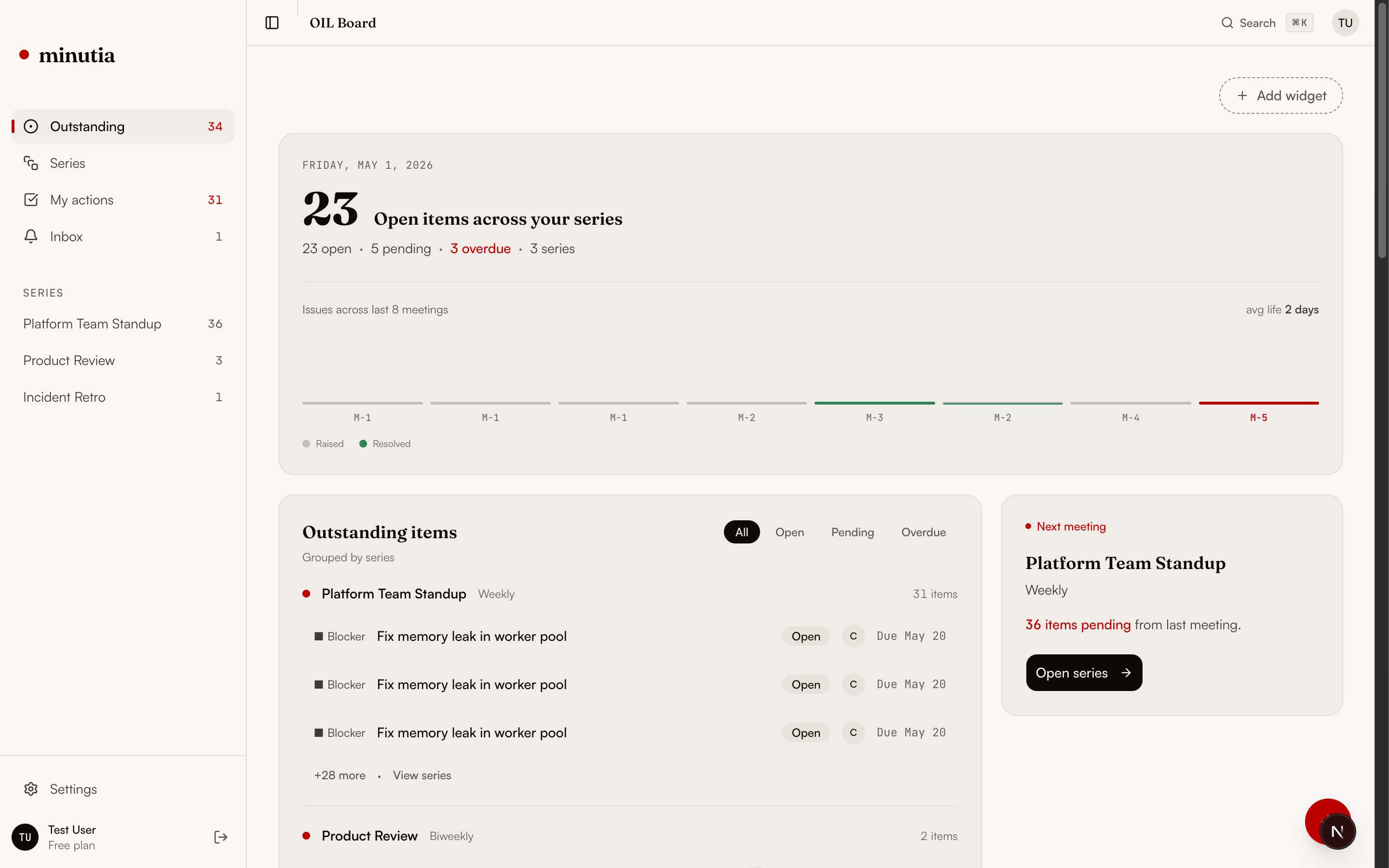
Same job, different decay curve.
Both can hold a list of action items. The difference shows up over time, once the meeting recurs and the list has to stay true without a human babysitting it.
| Dimension | Spreadsheet | Outstanding Issues Log |
|---|---|---|
| First week | Clean and fast. One tab, a few rows, everyone can edit. | Clean and fast, plus an owner and status on every item from line one. |
| Status over time | Goes stale. A cell says 'in progress' for six weeks and nobody trusts it. | Status is a tracked field with age, so stalled items surface instead of hiding. |
| History | Overwritten. The last edit erases what the item used to say. | Every change is kept, so you see when an item was raised, touched, and resolved. |
| Across meetings | Resets or sprawls. New tab per meeting, or one tab nobody prunes. | Items carry forward tied to the series that created them. |
| Ownership of the file | One person keeps it alive. When they are out, it rots. | The running list is the source of truth, not a person's discipline. |
| Before the next meeting | You reread the sheet and try to remember what still matters. | A pre-meeting brief opens with what is unresolved and what changed. |
A spreadsheet stores cells, not lifecycle.
A cell holds a current value and forgets everything before it. There is no enforced owner, no age that surfaces stalled work, and no kept history. Maintenance is pure human discipline, so the sheet stops reflecting reality the moment attention moves on.
Do not over-build a one-off.
A sheet is the right tool when the list is short-lived and nobody has to trust it next month. Reach for a log only when the meeting recurs and follow-through keeps slipping between sessions.
A living log, not a maintained file.
Minutia is an open-source Outstanding Issues Log for recurring meetings. It keeps actions, decisions, risks, and blockers owned and current, tracks how long each has waited, and carries them forward tied to the meeting series, so the next session starts from current context instead of a reread spreadsheet.
Related guides.
More on tracking recurring-meeting work without letting it slip.
Spreadsheet vs tracker questions.
Is a spreadsheet good enough to track meeting action items?
For a single short project, yes. A spreadsheet is fast to start and easy to share. The problem is recurring meetings: status goes stale, history is overwritten on every edit, and one person ends up responsible for keeping the file alive. Within a few cadences the sheet stops reflecting reality.
Why do tracking spreadsheets decay?
A spreadsheet stores the current value of a cell, not the lifecycle of an item. There is no owner field that is enforced, no age that surfaces stalled work, and no kept history. Maintenance depends entirely on human discipline, so the sheet decays the moment attention moves elsewhere.
What does an Outstanding Issues Log do that a spreadsheet cannot?
An Outstanding Issues Log treats unresolved work as state that persists between meetings. Each item has a type, an owner, a status, an age, and a full history, and items carry forward tied to the meeting series. The next meeting opens with a brief of what is still open and what changed, instead of a tab you have to reread.
Can I move my existing spreadsheet into Minutia?
Yes. Most teams start from a sheet. The columns map cleanly onto an Outstanding Issues Log: item, type, owner, status, raised date, and updates. Once the items are in, the log keeps the lifecycle current so you are not maintaining the file by hand.
Join the Minutia Cloud waitlist.
Tell us where recurring meetings lose continuity today. We will reply from [email protected] with early access timing.